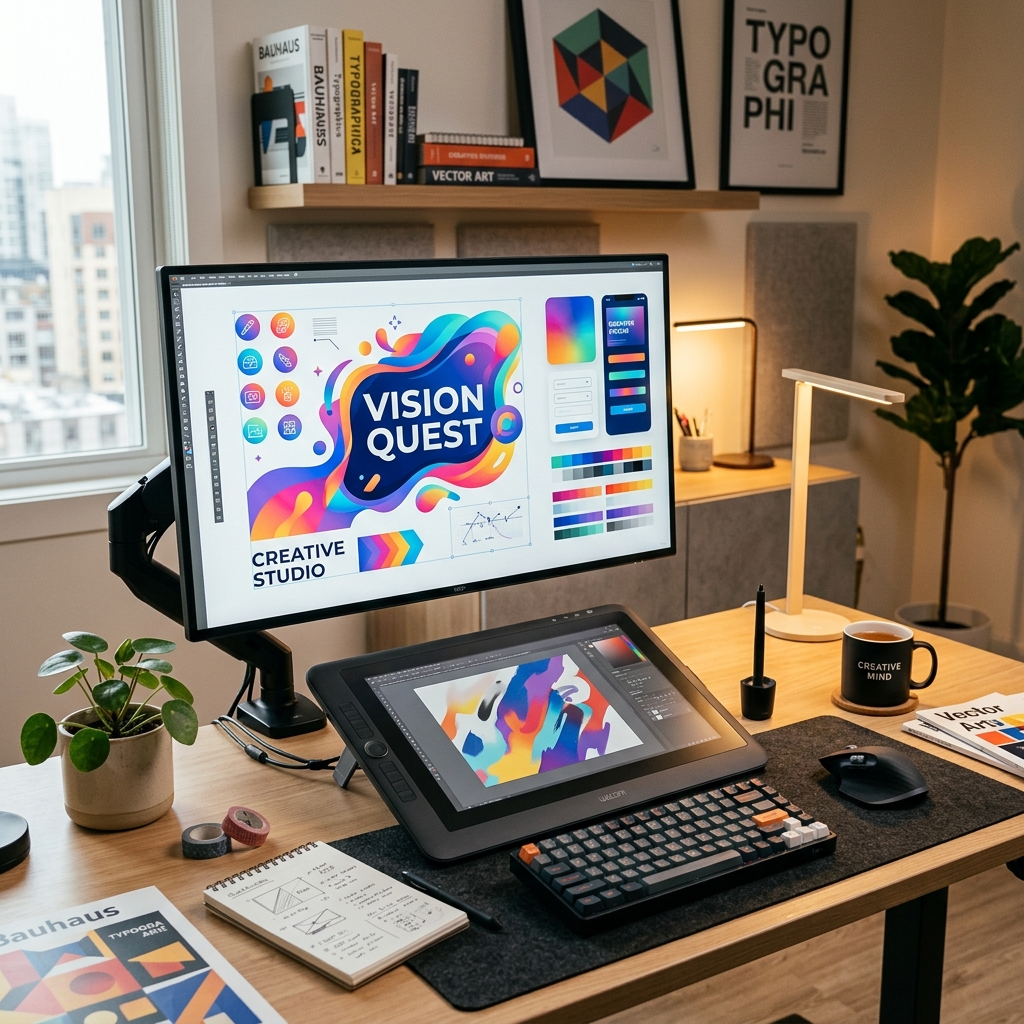

Creating marketing graphics quickly is essential for modern business communication. Cloud-based tools like Canva Pro allow non-programmers and content creators to design professional graphics using templates, assets, and branding guidelines.
Using Templates Professionally
Canva provides pre-made layouts, but professional design requires customizing them to match your brand. Creators adjust colors, select appropriate fonts, and position elements within grid guides to keep layouts clean and recognizable.
Setting Up Brand Kits
Consistency helps build brand recognition. A Canva brand kit stores color palettes, logo files, and designated font pairings, allowing team members to generate marketing graphics that look uniform across platforms.
Collaborative Visual Workflows
Modern marketing teams collaborate online. Canva Pro allows users to share project folders, comment on layouts, and edit designs together in real time. Learn these production workflows in our hands-on Canva Pro Course.
Frequently Asked Questions
Q: Is Canva Pro suitable for professional work?
Yes, it is widely used by social media managers and small businesses for quick graphic turnarounds.
Q: Do I need graphic design experience for this course?
No, this course starts with design fundamentals and covers user interface workflows from scratch. Learn more in Canva Pro.
Master Canva Design
Enroll in the Canva Pro course to design marketing graphics, presentations, and manage cohesive branding assets.